Race weekend session management
Time lapses, you don't.

One schedule change — does your crew know? OutLapse gives your entire crew a live countdown — on the pit wall, in the garage, and on every phone — automatically updated whenever the schedule changes.

Get Started — $20/mo See how it works
Race Weekend
GT3 Sprint Race
Starts 2:30 PM PT
00
Hours
:
00
Mins
:
00
Secs
--:--
·
Upcoming
Live preview — counts down to 2 hours from now
Built for the paddock
Everything the team needs

From the pit wall to crew phones — one tool running the whole weekend.

Live Session Countdown
DD:HH:MM:SS precision with automatic warning and alert color states. Shifts to red as session time approaches — readable in direct sunlight or a dark garage.
📱
Crew Viewer — 15 Seats
Share one link. Up to 15 devices — phones, tablets, paddock screens — all show the same live countdown. Installs to the home screen on Android and iOS. No login required.
☁️
Cloud Sync
Push event updates from the garage. All devices update automatically — phones, paddock screens, everything. If a session time changes, push once and walk away.
🗓
Automatic Schedule Import
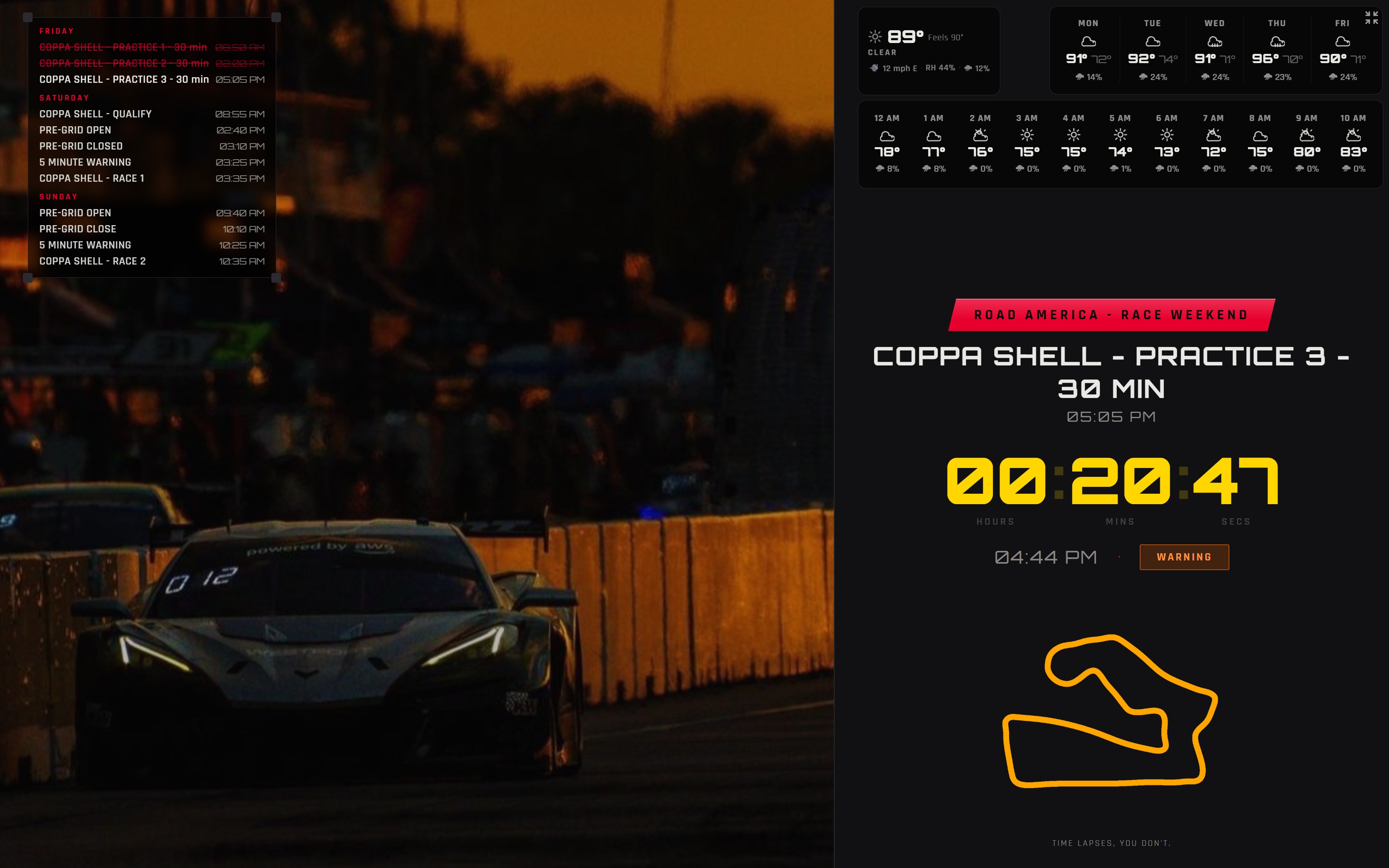
Import sessions directly from the official event PDF. OutLapse parses the schedule and populates your session list — no manual entry. Tap the badge on any device to show the full weekend overlay.
🗺
65+ Track Maps
A comprehensive circuit library built in. Drag to position, resize to fit your layout. Upload your own for any track not in the library.
🔒
Live Device Monitoring
See exactly which devices are actively viewing — name, platform, and last-seen time. 15 registered seats, revocable individually. Know who has the countdown and who doesn't.
🌦
Integrated Weather
Live conditions pulled for the event location — current temp, wind, rain probability, hourly breakdown, and 5-day forecast. No setup required when your track is in the library.
📄
Team Documents
Upload PDFs and reference files — pre-event packets, car setup sheets, warm-up procedures — and make them accessible to the whole crew through the viewer settings drawer.
🖥
Flexible Display Layouts
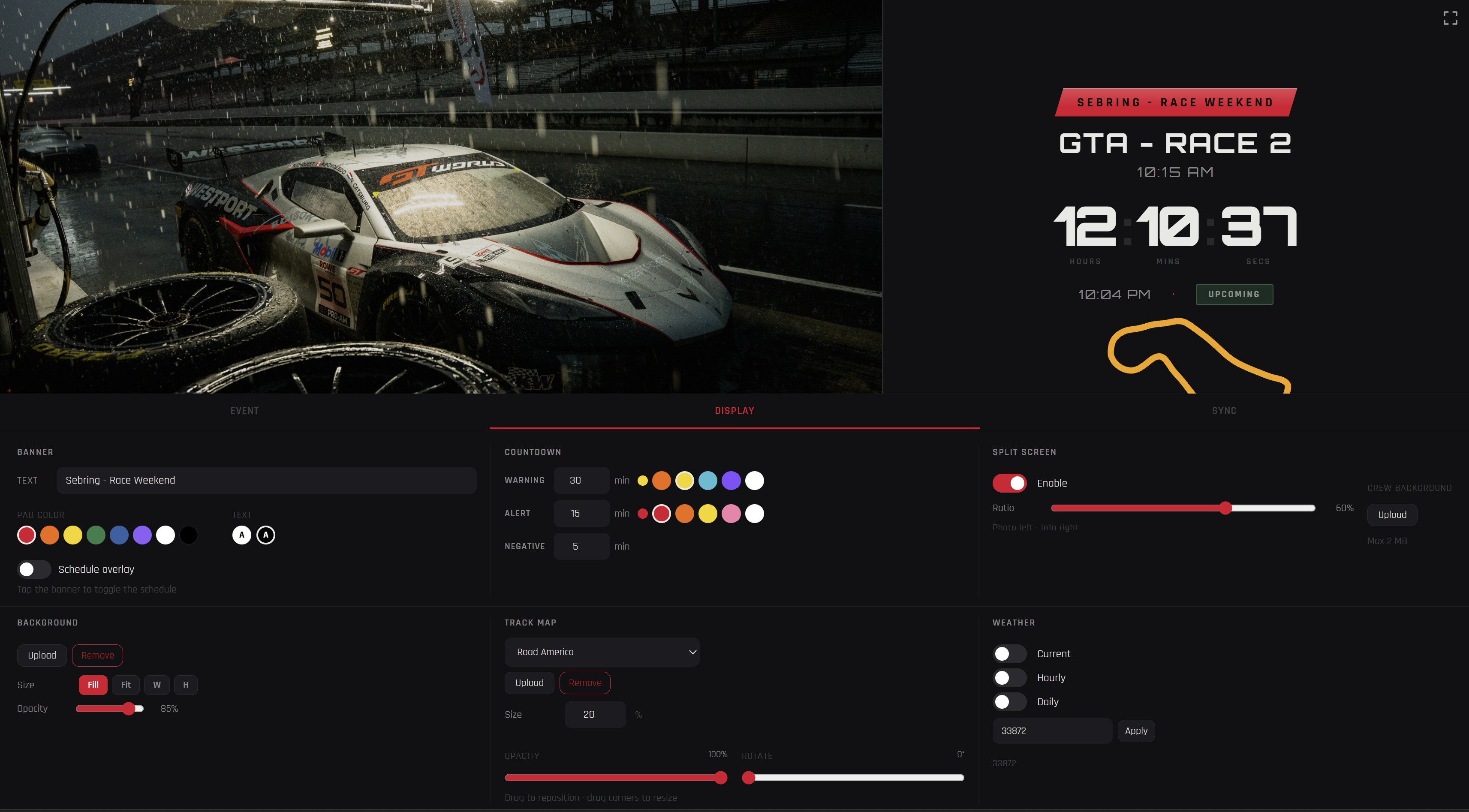
Full-screen countdown or split-screen with a solid color block. Adjust the ratio, reposition overlays, go fullscreen — one display works for a laptop on the pit wall or a dedicated garage monitor.
Workflow
How it works

Set up, share, stay on schedule.

01
Build before the event
Import sessions from the official schedule PDF or enter them manually. Set timezone, background image, track map, split layout, badge color. Push to cloud when ready.
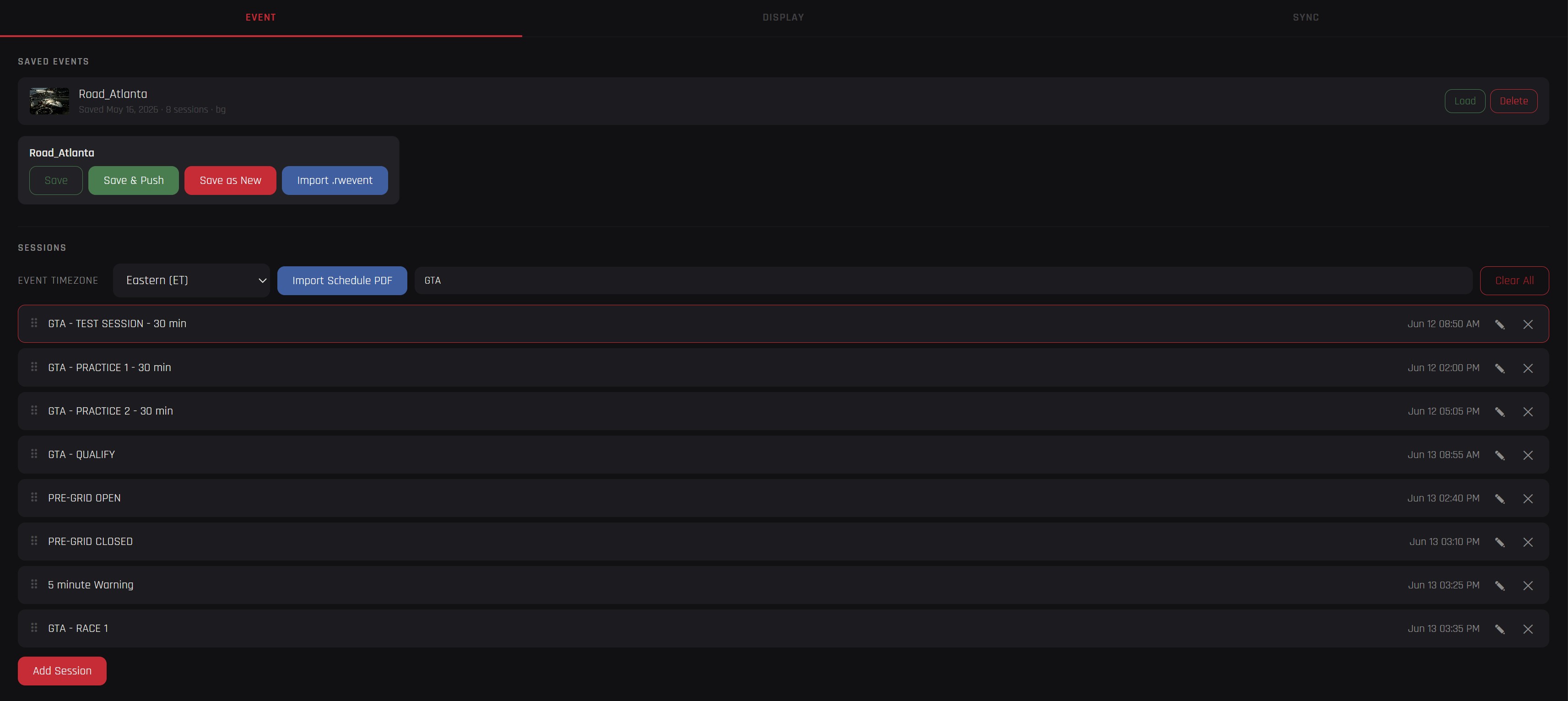
OutLapse engineer app — session list for Road Atlanta with practice, qualify and race sessions
02
Share one link
Drop the viewer link in the group chat. Crew opens it on their phone, enters their name, and they're registered. Up to 15 devices (with the base plan). No app install, no account, no password.

The crew gets a countdown designed specifically for their phone — warning and alert color changes, track map, and a tap on the banner to show the full weekend schedule.
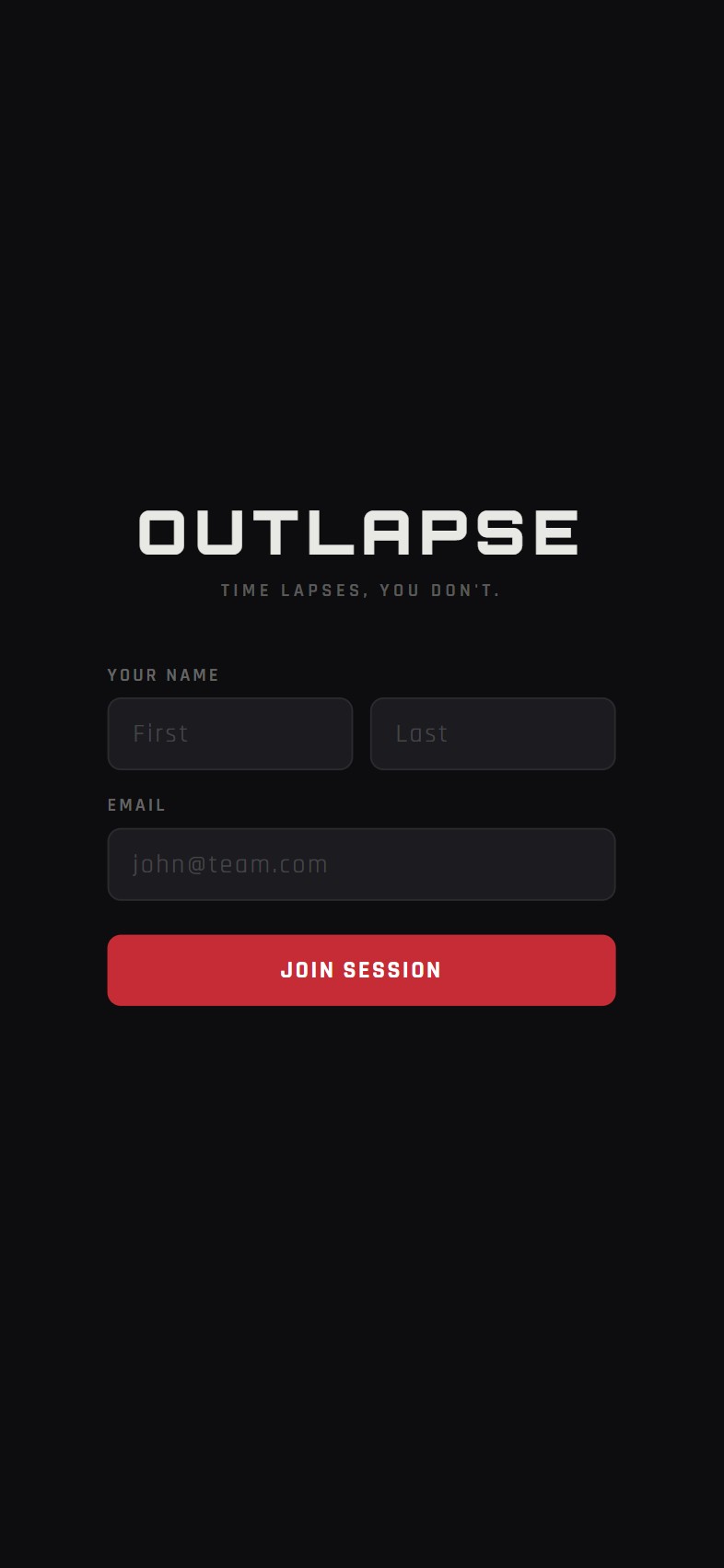
OutLapse crew viewer join screen — enter name and email to join session
03
Run the weekend
Stay on track with countdown, track map, weather, and the full weekend schedule on one screen. On crew phones, warn and alert states fire automatically — so the whole team knows exactly how much time remains before the next session.
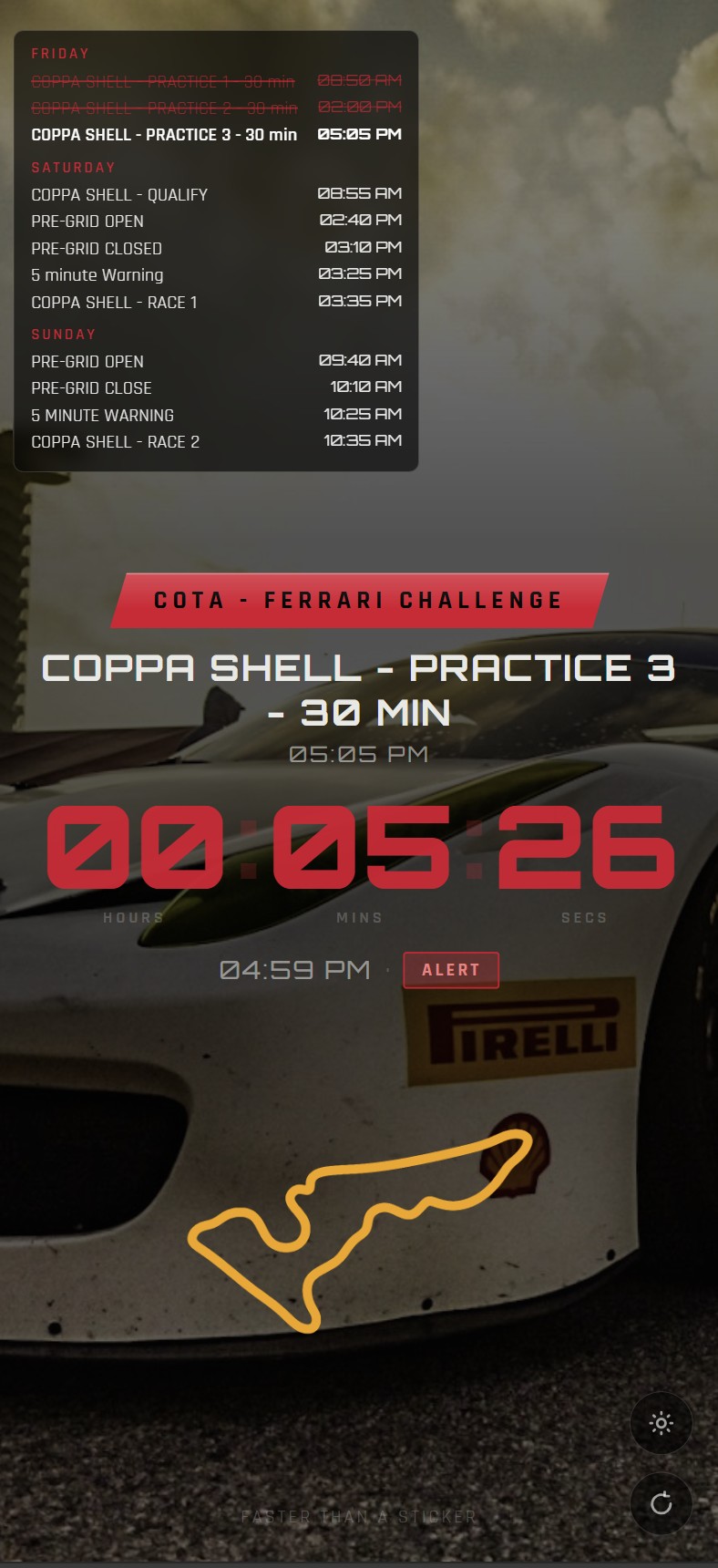
OutLapse crew viewer — alert state with Ferrari Challenge schedule overlay and track map
04
Session changed — push once
Import the revised PDF or edit it directly and push from the garage app. Crew can hit refresh on the viewer to instantly see the update, or it will automatically sync within minutes.
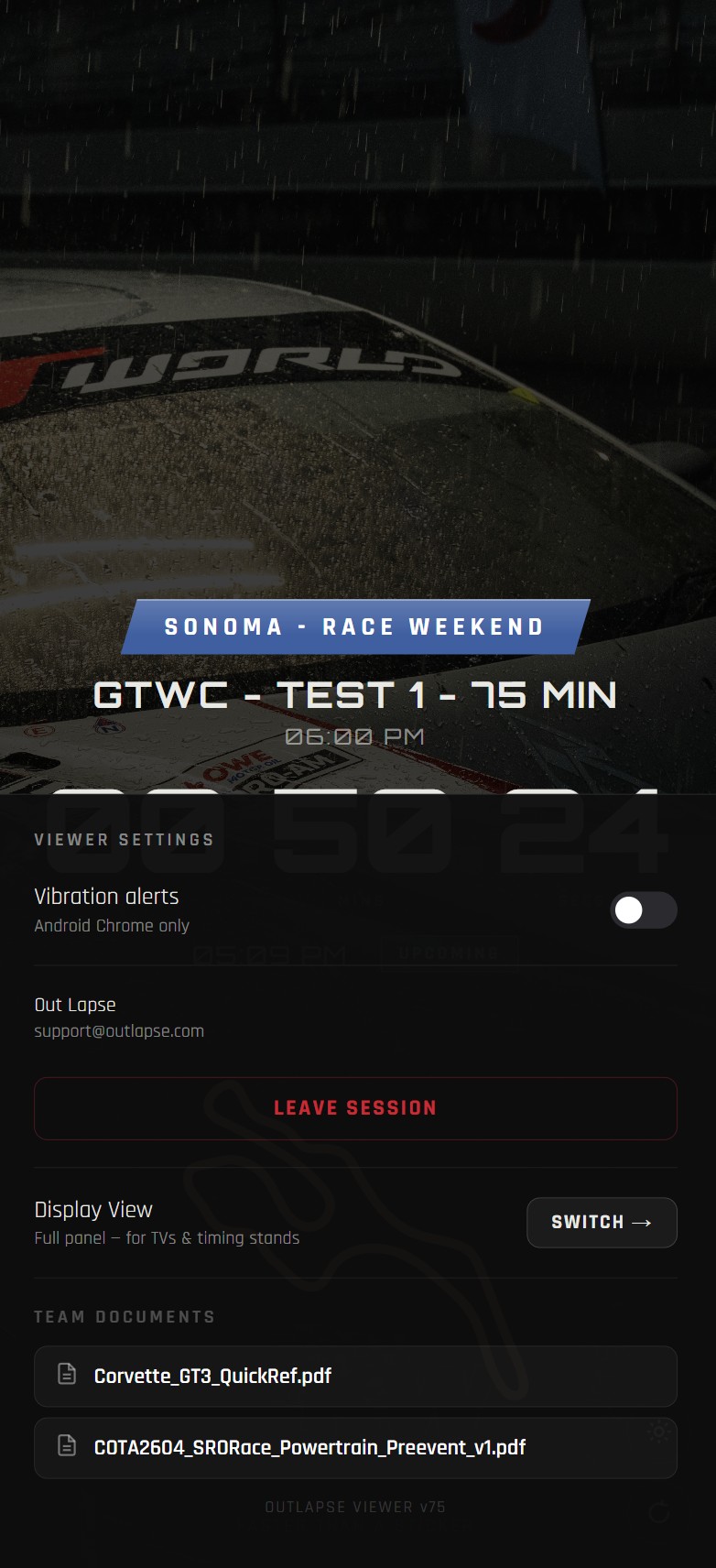
OutLapse crew viewer settings drawer showing team documents and display view toggle
Two surfaces, one tool
Garage display and crew devices

Purpose-built for each context. Not a stripped-down mobile version of the desktop app.

OutLapse garage display — split screen with Corvette background, track map, countdown in upcoming state, and engineer controls
Garage Display
Garage App
Full countdown display with fullscreen and split-screen layouts. Manage sessions, weather, track maps, background images, and cloud sync. Runs on any laptop or dedicated garage tablet.
Laptop / Tablet PWA Full & Split Screen Live Weather
OutLapse crew viewer — alert state with schedule overlay open, track map, Ferrari Challenge at COTA
Crew Surface
Crew Viewer
Read-only countdown for any crew device — phones, tablets, paddock screens. Same live data as the garage display. Vibration alerts before sessions on Android. Installs to the home screen. Just open the link.
Android / iOS Home Screen App Vibration Alerts 15 Seats
OutLapse display viewer — split screen warning state with Road America background, weather widgets, session schedule overlay, and track map
The full picture — one screen
Simple pricing
One plan, one team

Everything included. One subscription covers the garage display and the whole crew.

Team
Race Team
Monthly
$20/mo
Annual
$199/yr
Save $41
Garage app — full event management access
Crew viewer — 15 registered device seats
Automatic schedule PDF import
65+ track maps + custom upload
Integrated weather — current, hourly & 5-day forecast
Full & split-screen display layouts
Cloud sync + live device monitoring